How Does a WhatsApp Chatbot Manage Multiple Webhooks to Pull Live API Data Into Automated Chats?
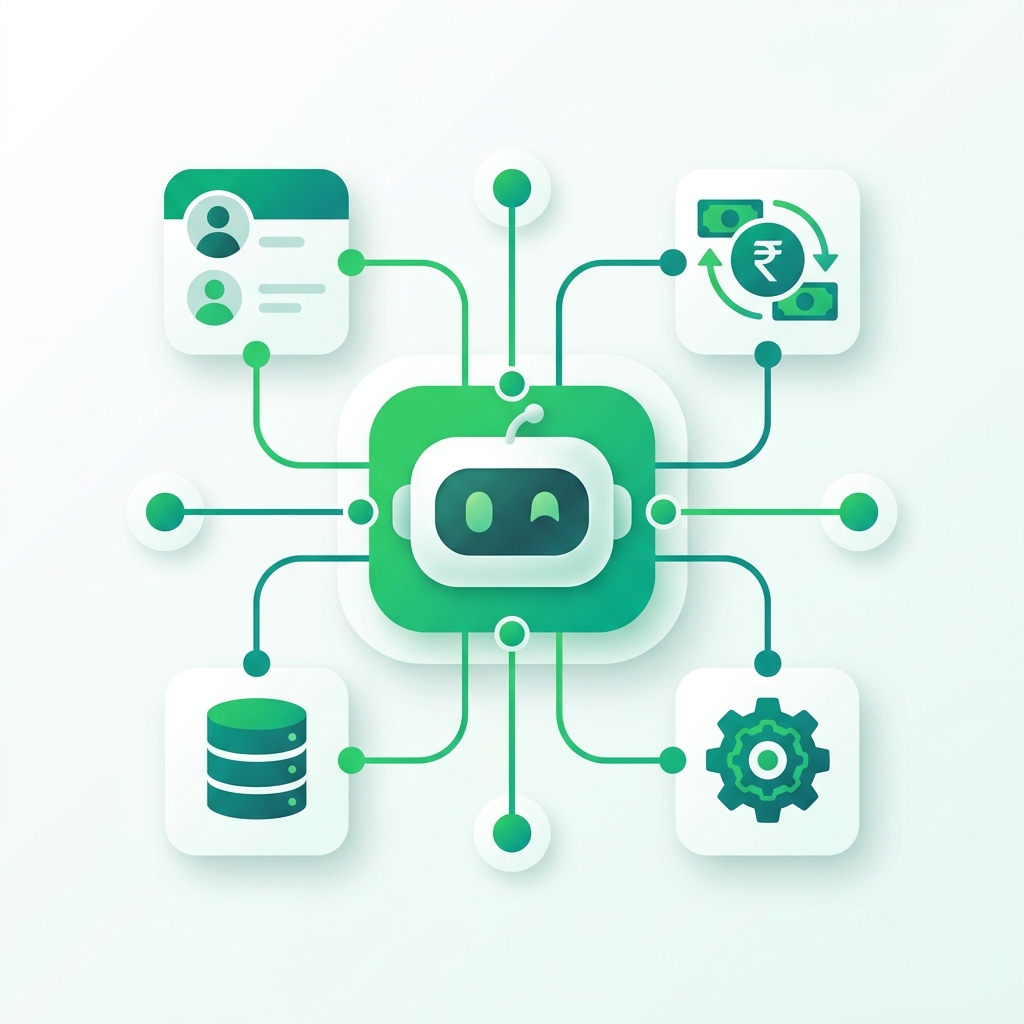
A WhatsApp chatbot is only as smart as the data it can reach. A customer types 'Where is my order?' and the bot has to look up a live status in your order system. Another asks to pay, and the bot has to hit a payment gateway. A third wants to reschedule a delivery, and that has to be written back to your ERP. None of that lives inside the chatbot — it lives in other systems, reached over webhooks and APIs. So the real engine behind good WhatsApp automation is not the scripted replies; it is how the bot manages many webhook configurations at once, cleanly and reliably.
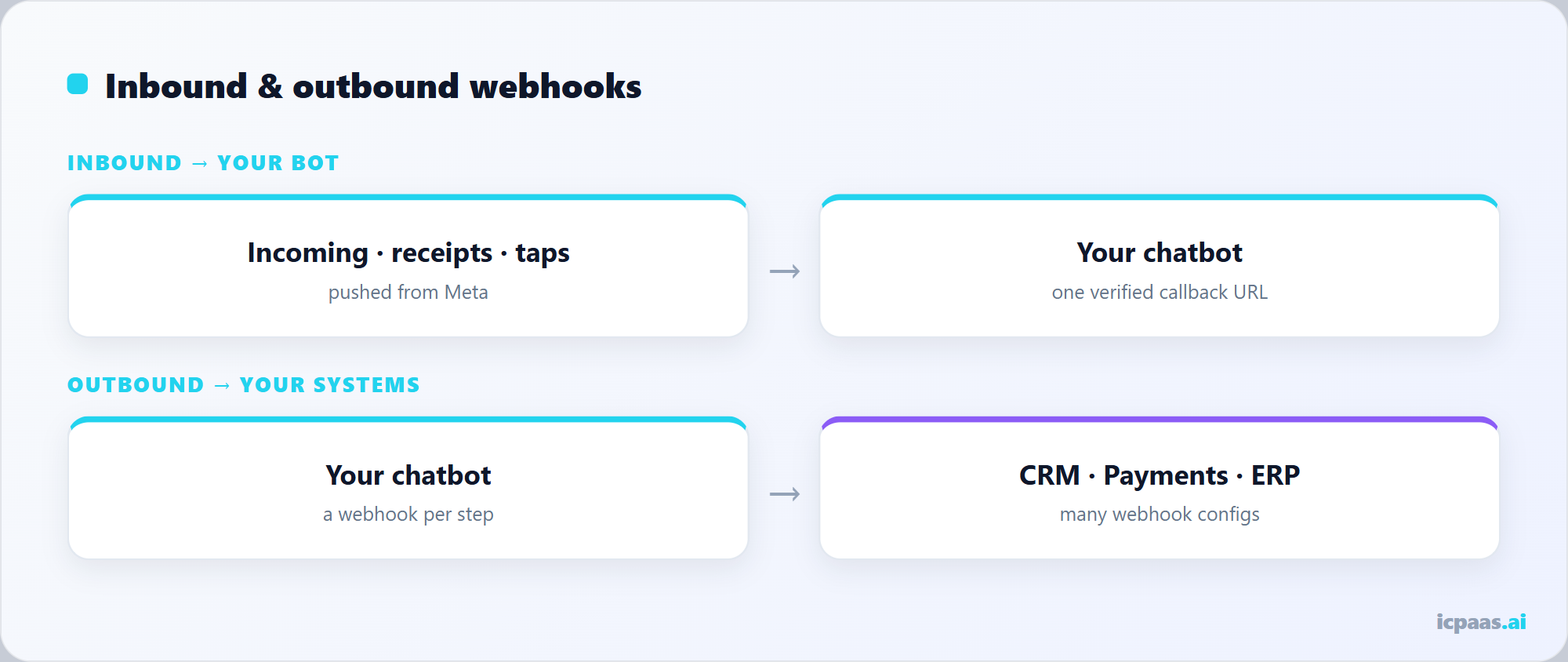
It helps to separate two directions. Inbound webhooks are how the world reaches your bot: Meta pushes every incoming message, delivery and read receipt, and button or list tap to a single verified callback URL. Outbound webhooks and API calls are how your bot reaches the world: it fires a request to your CRM, catalogue, payment or logistics endpoint to fetch or post data mid-conversation. A capable platform lets you register and manage a whole library of these outbound configurations — not one hardcoded URL — so every step in a flow can talk to a different system.
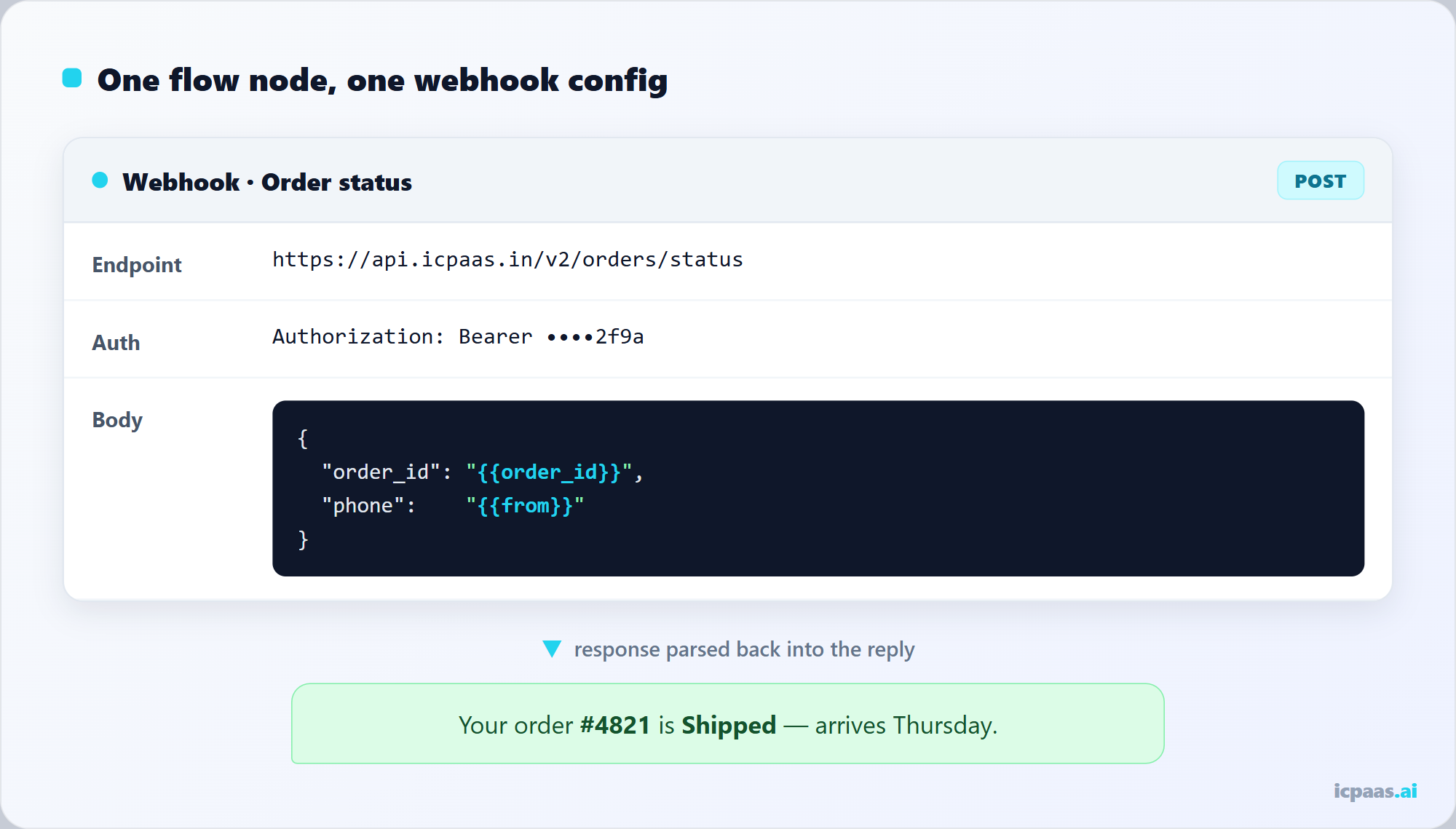
Inside icpaas.ai's flow and chatbot builder, each node can carry its own webhook configuration. You define the endpoint, the method, the authentication header or token, and a request body built from live chat variables — the customer's number, an order ID they typed, a selection they tapped. When the response comes back, you parse the JSON and map fields straight into the conversation, so the very next message can say 'Your order #4821 shipped today and arrives Thursday.' That is what webhook config management really means: one place to define, name, secure and reuse every endpoint your automation touches, instead of scattering credentials across scripts.
This is also what makes the interaction genuinely two-way. The data a webhook returns decides the next reply — it can drive a dynamic list, pre-fill buttons, branch the flow, or trigger a follow-up. And the customer's answers flow the other way in real time: a captured lead is posted to your CRM, a confirmed booking is written to your calendar, a support reply opens a ticket. Because every config is managed centrally, you can point test flows at a sandbox and production flows at live systems, rotate secrets, and verify Meta's payload signatures so no spoofed request ever reaches your bot.
Managing many webhooks well is mostly about what happens when things go wrong. One slow API should never freeze a chat. So each configuration needs sensible timeouts, automatic retries with backoff, a fallback message when an endpoint is down, and per-webhook logs you can actually read. icpaas.ai queues outbound calls, retries transient failures, and records every request and response against the conversation, so when a flow misbehaves you can see exactly which endpoint returned what — instead of guessing. That observability is the difference between a demo bot and one you trust with real customers at scale.
The unglamorous part that keeps a webhook-driven bot healthy is observability. Give every webhook config a clear name, keep test and production endpoints separate, and watch the per-call logs so you can see exactly which endpoint returned what when a flow misbehaves. icpaas.ai records each request and response against the conversation and retries transient failures automatically, so a slow CRM or a flaky payment API degrades gracefully instead of freezing the whole chat.
The payoff for an Indian business is a WhatsApp chatbot that feels alive: it answers with real order, payment and account data, updates your systems as customers reply, and keeps running even when one backend hiccups. And it all sits on a Meta-authorised, TRAI DLT-registered platform, so the messages themselves are compliant and deliverable. Start with a no-code flow and a couple of webhook configs, then add more systems as you grow — the same dashboard manages one integration or twenty, and the same API is there the day you want deeper control.
Ready to Get Started?
Learn how our platform can help you implement these best practices across all your messaging channels.
Related Articles

AI
AI-Powered Chatbots: Transforming Customer Service
Discover how AI and LLM-powered chatbots enable intelligent, context-aware conversations across SMS, WhatsApp, and RCS — improving customer satisfaction and reducing support costs.
Read More →
AI
How Do You Automate WhatsApp Replies With AI Using the Text Message API?
Pair the WhatsApp Business text message API with a grounded AI layer and your bot reads every incoming message and writes back a helpful, accurate reply — 24/7, in any language, fully compliant.
Read More →
AI
Telecalling Team vs ICPAAS AI Voice Bot
A telecalling team is costly and hard to scale; an ICPAAS AI voice bot makes thousands of natural calls 24/7 at a fraction of the cost.
Read More →Want to Learn More?
Explore our comprehensive platform and see how we can transform your customer communication strategy.