How to Send WebEngage Campaigns on WhatsApp via icpaas.ai
You've built your lifecycle journeys in WebEngage — onboarding nudges, win-back campaigns, transactional alerts. But the channel your Indian customers actually open is WhatsApp, and WebEngage still needs a Meta-authorised, DLT-compliant pipe to deliver those messages reliably. That pipe is icpaas.ai. WebEngage decides who to message and when; icpaas.ai makes sure the message lands.
The connection is simple: a WebEngage journey step or campaign fires a webhook to icpaas.ai, which sends the message through its Meta-authorised WhatsApp Business API — or over SMS and RCS from the same integration. Approved WhatsApp templates, dynamic variables, buttons, media and list messages all map straight from your WebEngage payload, so a segment you defined this morning can be reaching customers on WhatsApp by lunch.

Because icpaas.ai is a TRAI DLT-registered platform, every send is pre-checked against your registered templates and sender IDs and scrubbed for consent — so WebEngage campaigns don't just look good in the dashboard, they actually clear the carrier network and deliver. Two-way replies and delivery, read and click events flow back into WebEngage through webhooks, so your journeys can branch on what the customer did on WhatsApp.
In practice, the highest-return journey to move onto WhatsApp first is usually onboarding or win-back. A WebEngage onboarding series that nudged users by email can now reach them on WhatsApp, where open rates are far higher — and because icpaas.ai returns delivery, read and reply events, WebEngage can branch the journey on whether the customer actually engaged. Mirror one high-value journey on WhatsApp, measure the uplift against your email baseline, then expand from there.
You can start no-code — wire the webhook, map your templates, and go live the same day — then move to icpaas.ai's REST API when you want deeper control over routing, fallbacks and analytics. Keep planning and segmentation where you already do it, in WebEngage, and let icpaas.ai be the compliant delivery layer that turns those plans into conversations customers reply to.
Ready to Get Started?
Learn how our platform can help you implement these best practices across all your messaging channels.
Related Articles

Integration
Native CRM Integrations: Streamline Your Workflow
Connect your CPaaS messaging platform directly with Salesforce, HubSpot, and other CRMs for unified customer data, automated campaigns, and seamless omnichannel workflows.
Read More →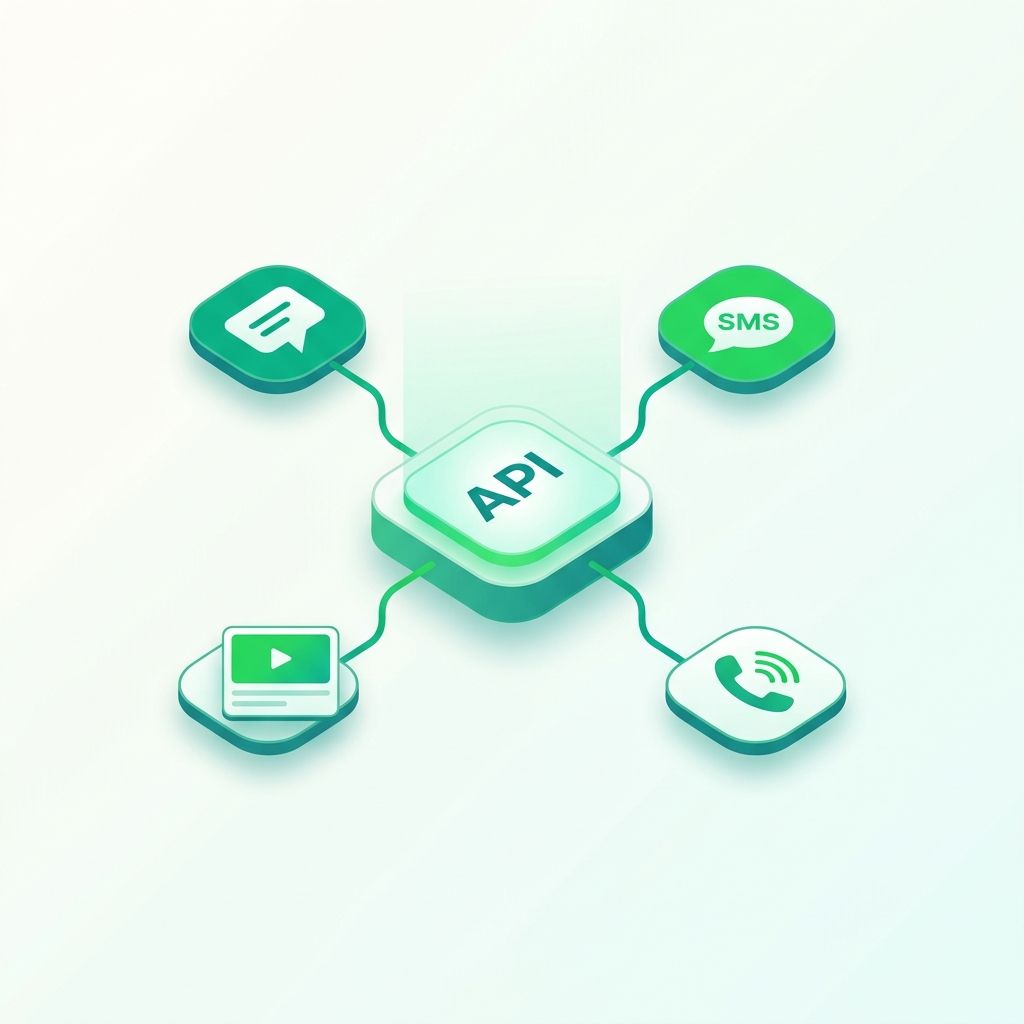
Integration
What Is a Messaging API, and How Do You Send SMS, WhatsApp & RCS From One Place?
A single, well-documented REST API to send SMS, WhatsApp, RCS and voice from your own applications — no telecom contracts, no fragmented vendors.
Read More →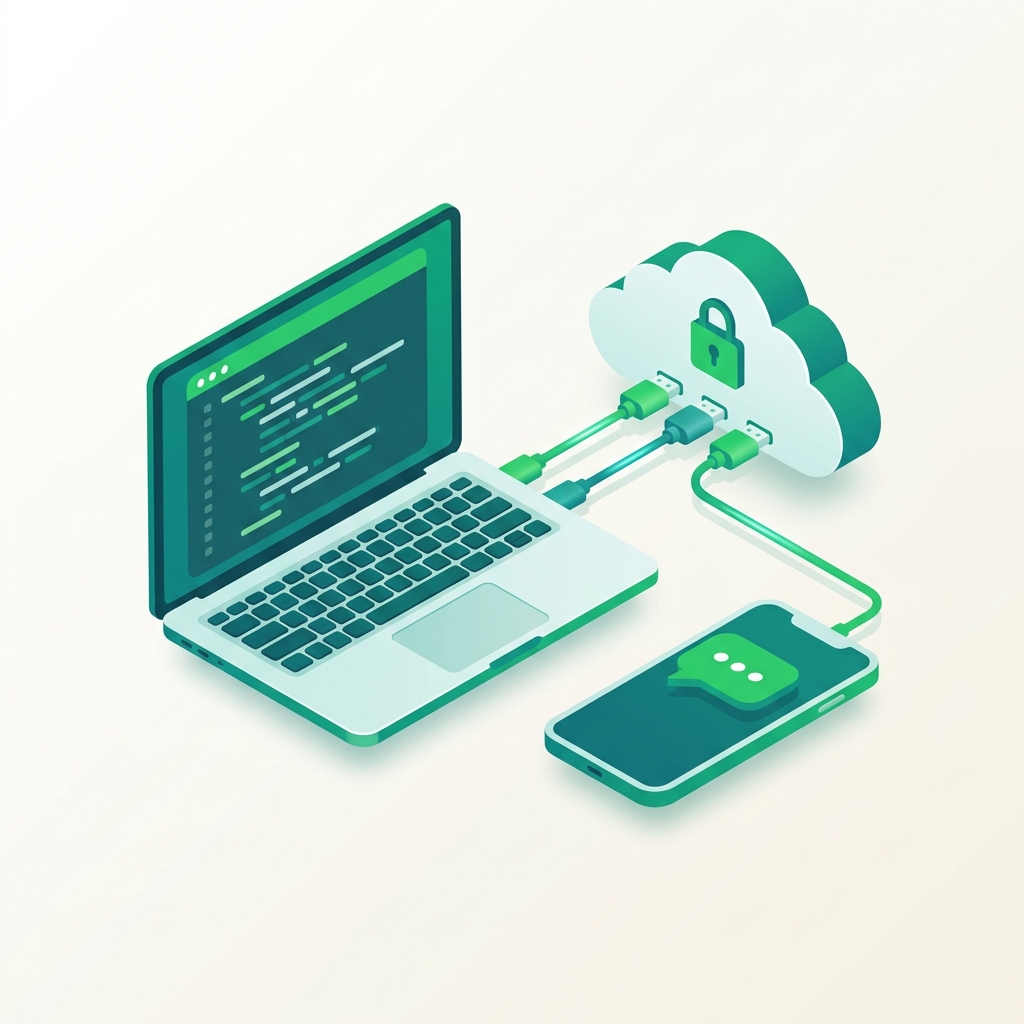
Integration
How Do You Add SMS, OTP and WhatsApp to Your App? A Developer's Guide (REST, SMPP & SDKs)
Clean REST endpoints, SMPP for high-volume traffic, drop-in OTP verification, sandbox testing and SDKs — everything a developer needs to ship messaging in hours, not weeks.
Read More →Want to Learn More?
Explore our comprehensive platform and see how we can transform your customer communication strategy.