What Is WhatsApp Automation, and How Do You Set It Up Without Code?
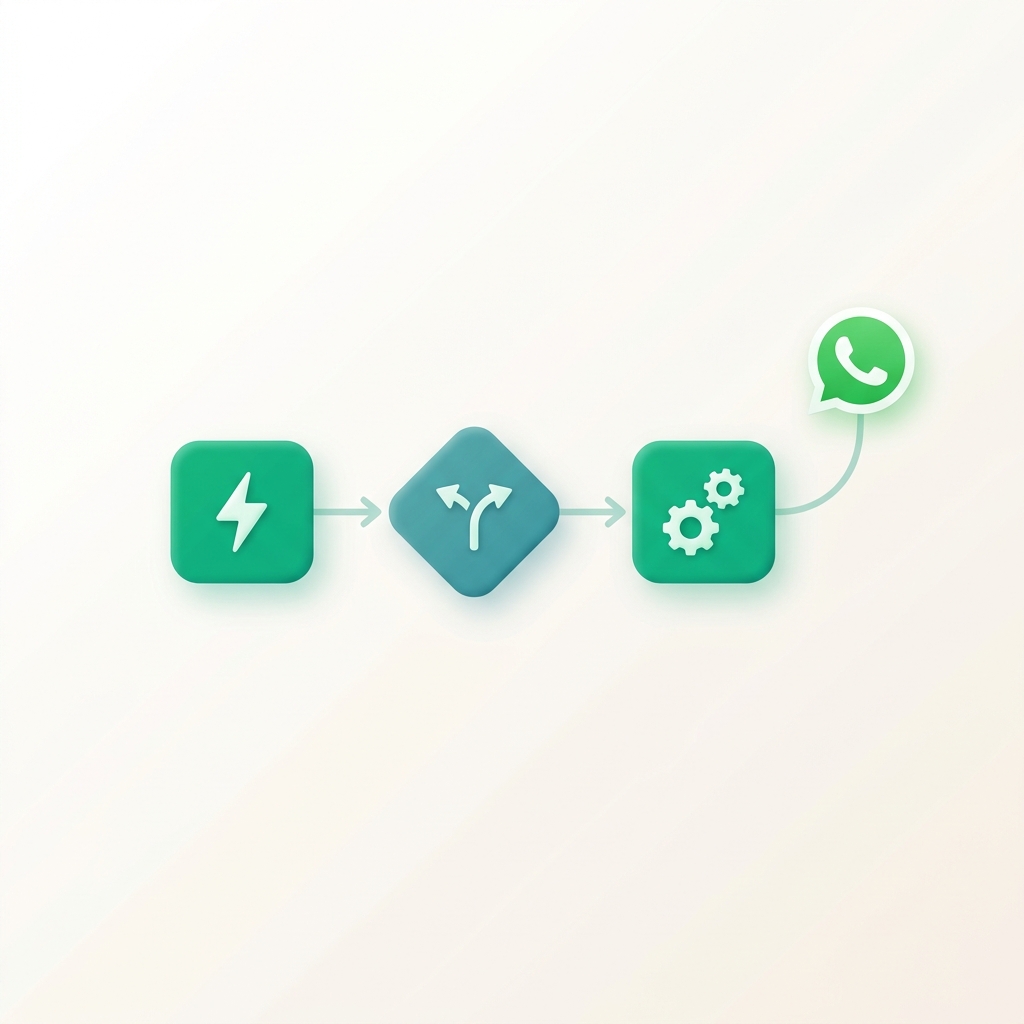
Automation is where messaging stops being a task and starts being a system. With the icpaas.ai no-code workflow builder, you connect a trigger (an order status change, a keyword, a form submission, a CRM event) to conditions and actions on a visual canvas — and the journey runs on autopilot, 24/7. Abandoned-cart recovery, welcome sequences, fee reminders, renewal nudges and post-purchase feedback all become set-and-forget flows.
The building blocks are powerful but approachable. Branch on customer data, insert delays, call your APIs mid-flow, and personalise every message with dynamic fields. Add an AI chatbot and the same platform can qualify leads, answer FAQs and book appointments conversationally — escalating to a human agent, with full context, exactly when needed.
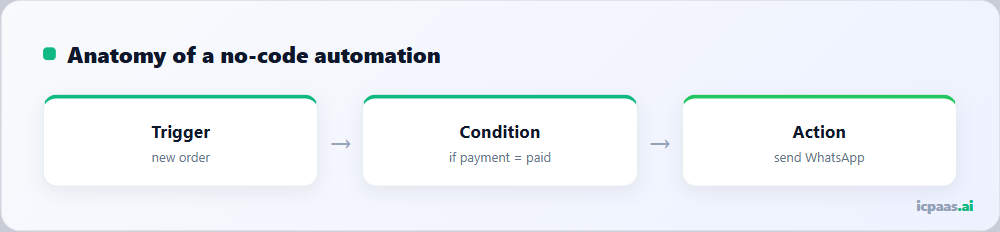
You are not limited to the built-in builder either. The same automations can be assembled in Zapier, Pabbly Connect or n8n by dropping in an HTTP Request (action) node that calls the icpaas.ai API — so teams already living in those tools can trigger WhatsApp, SMS, RCS and voice from any workflow they have.
Automation also compounds ROI. WhatsApp's roughly 98% open rate means automated nudges actually get seen, and smart funnels keep costs low — for example, messages within 72 hours of a click-to-WhatsApp ad are free, and service replies inside the 24-hour customer window carry no message fee. The result is more conversations, more conversions and less manual effort.
If you're building your first automation, start small and high-value: an order-confirmation or abandoned-cart nudge usually pays for itself before anything fancier. Keep one rule front of mind — send only to customers who've opted in, and give an easy way to stop. icpaas.ai handles the consent and DLT checks under the hood, so your no-code flow stays compliant as it scales from a handful of messages a day to thousands, without you rewriting anything.
Because automations live on a compliant, multi-channel platform, the same flow can choose the right channel for each moment — an SMS for guaranteed reach, an RCS carousel for engagement, a WhatsApp thread for support. That orchestration, once the preserve of large enterprises, is now available to teams of any size.
Ready to Get Started?
Learn how our platform can help you implement these best practices across all your messaging channels.
Related Articles

Integration
Native CRM Integrations: Streamline Your Workflow
Connect your CPaaS messaging platform directly with Salesforce, HubSpot, and other CRMs for unified customer data, automated campaigns, and seamless omnichannel workflows.
Read More →
Integration
What Is a Messaging API, and How Do You Send SMS, WhatsApp & RCS From One Place?
A single, well-documented REST API to send SMS, WhatsApp, RCS and voice from your own applications — no telecom contracts, no fragmented vendors.
Read More →
Integration
How Do You Add SMS, OTP and WhatsApp to Your App? A Developer's Guide (REST, SMPP & SDKs)
Clean REST endpoints, SMPP for high-volume traffic, drop-in OTP verification, sandbox testing and SDKs — everything a developer needs to ship messaging in hours, not weeks.
Read More →Want to Learn More?
Explore our comprehensive platform and see how we can transform your customer communication strategy.